AI that watches every camera, on your own server
One server at your site turns the CCTV you already have into checks for PPE, fire and smoke, restricted zones, people, vehicles and visitors. Every alert has a picture and a clip, and no cloud is needed. It is white-label: your licence sets the name, logo and colours.
What it does
Watch
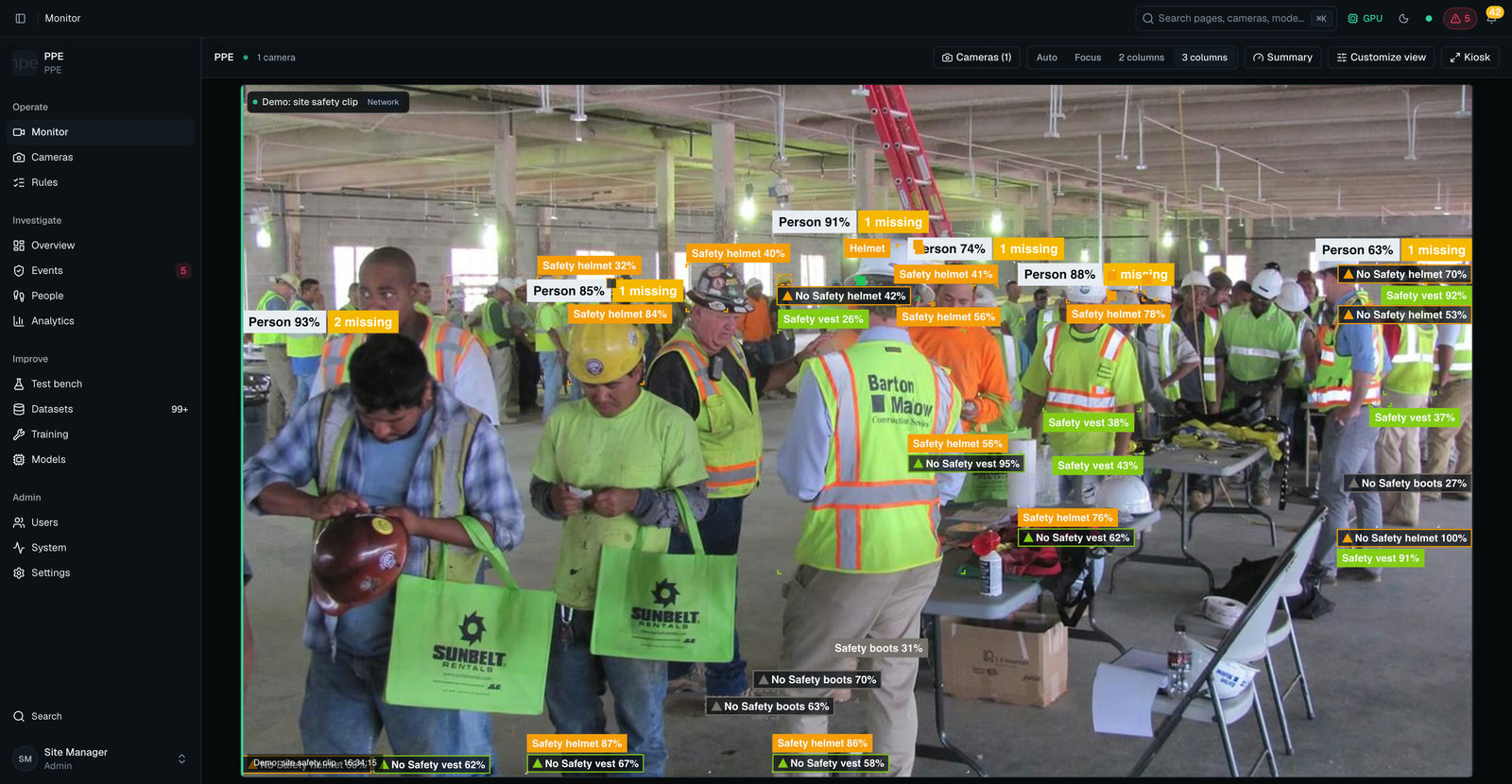
- Live wall and floor mapA compliance tag on every person, and a floor map with people shown live. Any RTSP camera joins; an NVR adds all its channels in one step. Try images and videos first.
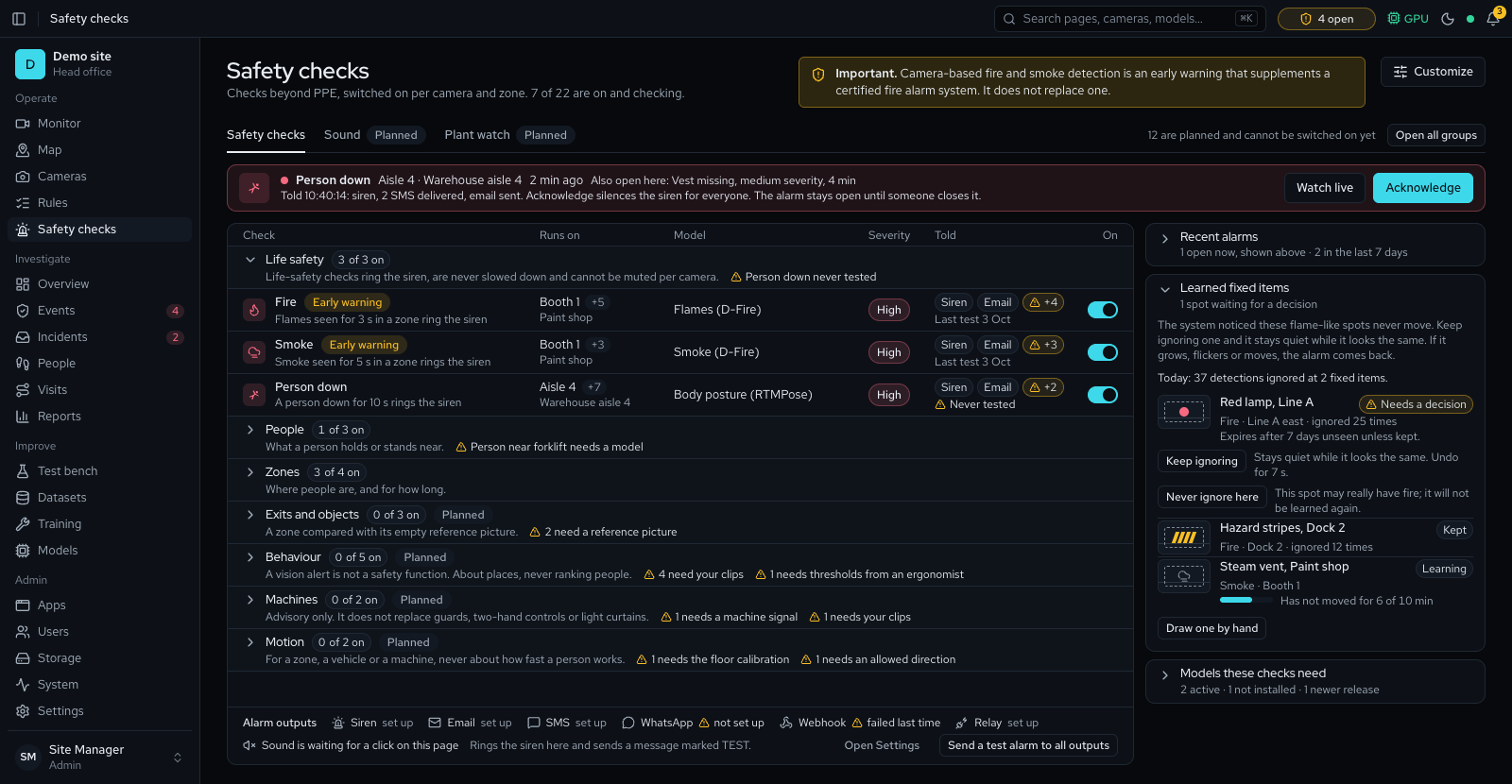
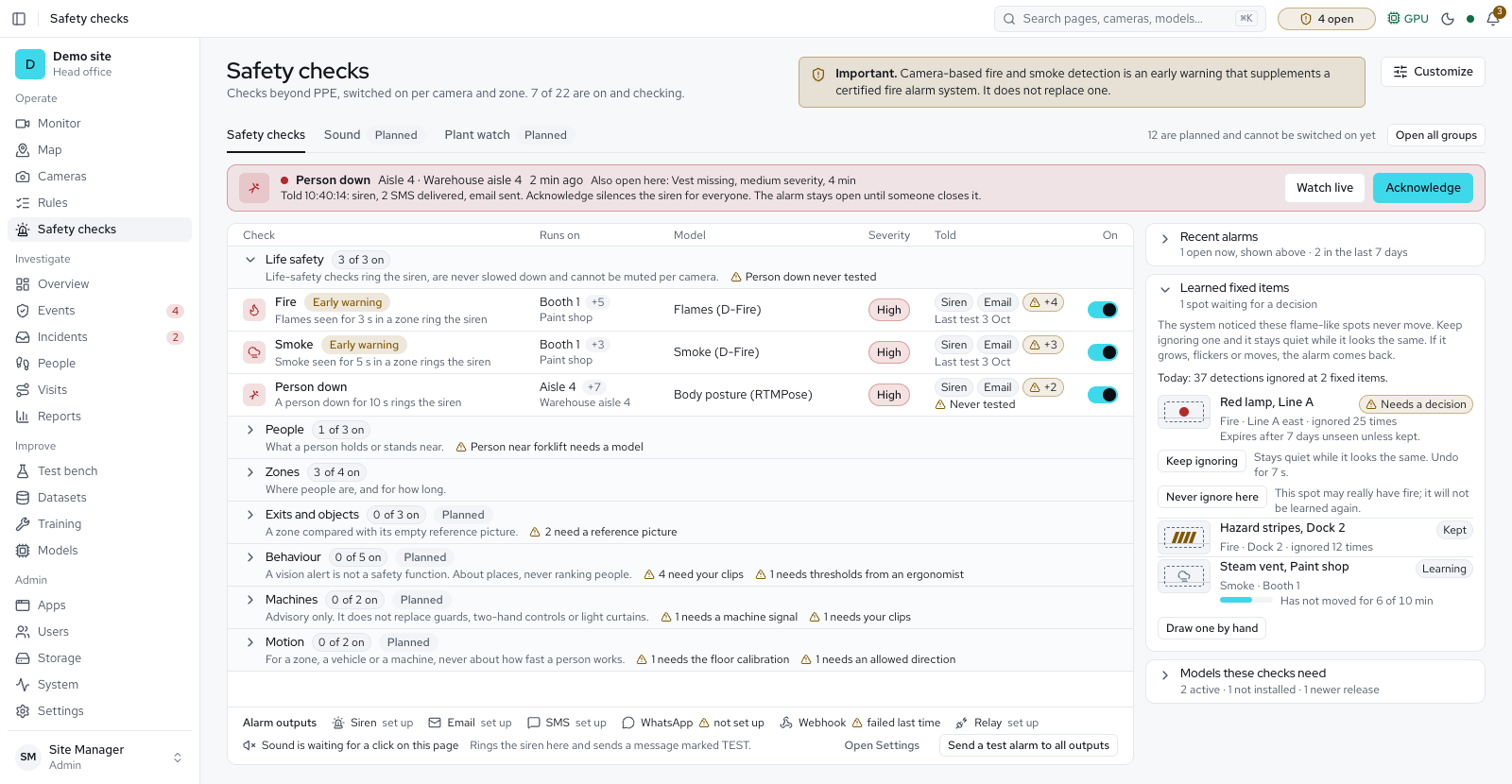
- Many checks per cameraPPE, fire and smoke, person down, forklift proximity, restricted zones, loitering and camera tamper, per zone. Fire and smoke warn beside your certified fire alarm.
Respond
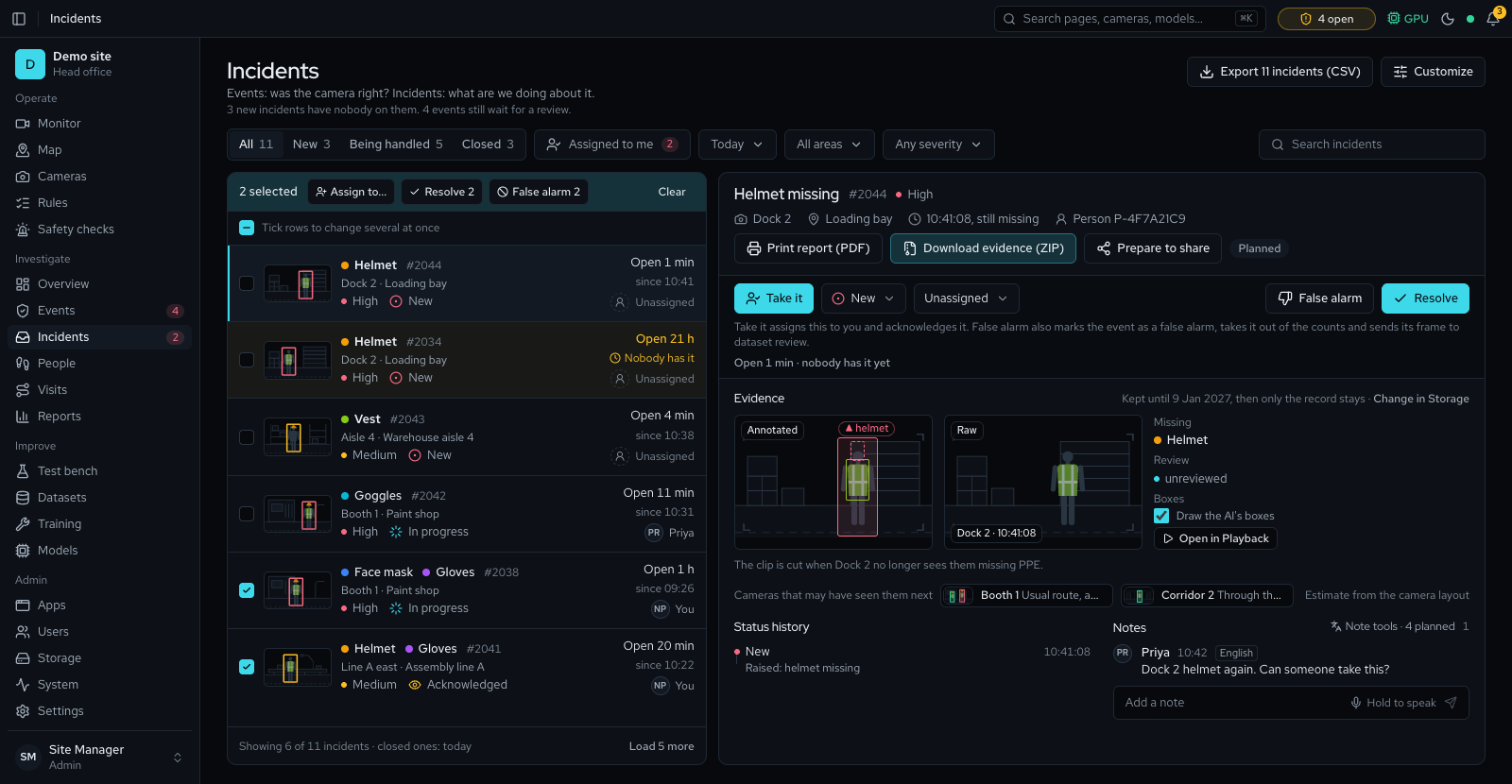
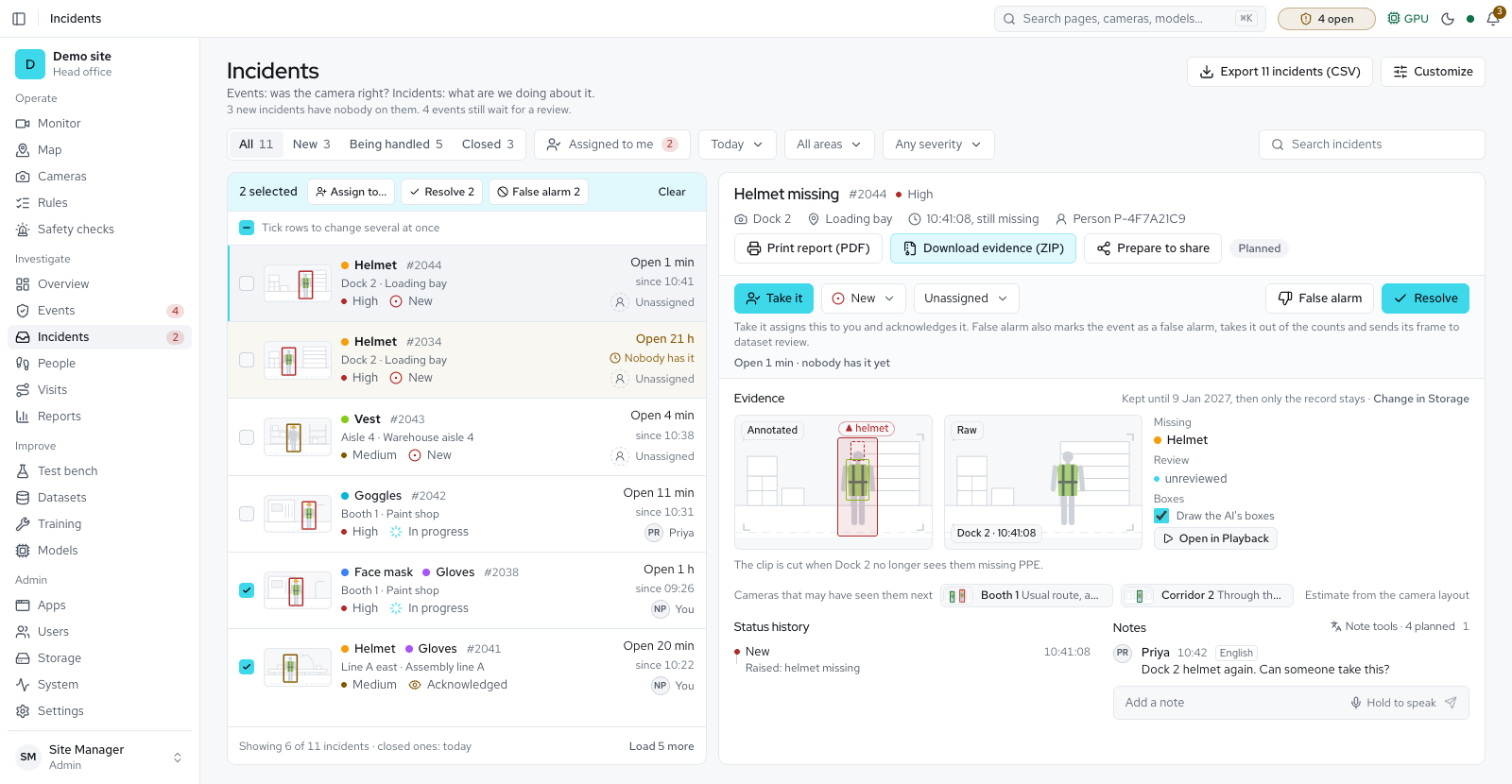
- Alerts with evidenceAn amber warning, then one event per episode with snapshots and a clip that plays with its marks, opened full screen. Make it an incident, assign it, resolve it and hand over at shift end.
- Review and alertsMark events real violation or not a violation. Alarms show a banner and siren, and go to email, SMS, WhatsApp, webhooks and siren boxes. Reviews train a site model; you activate it.
Know
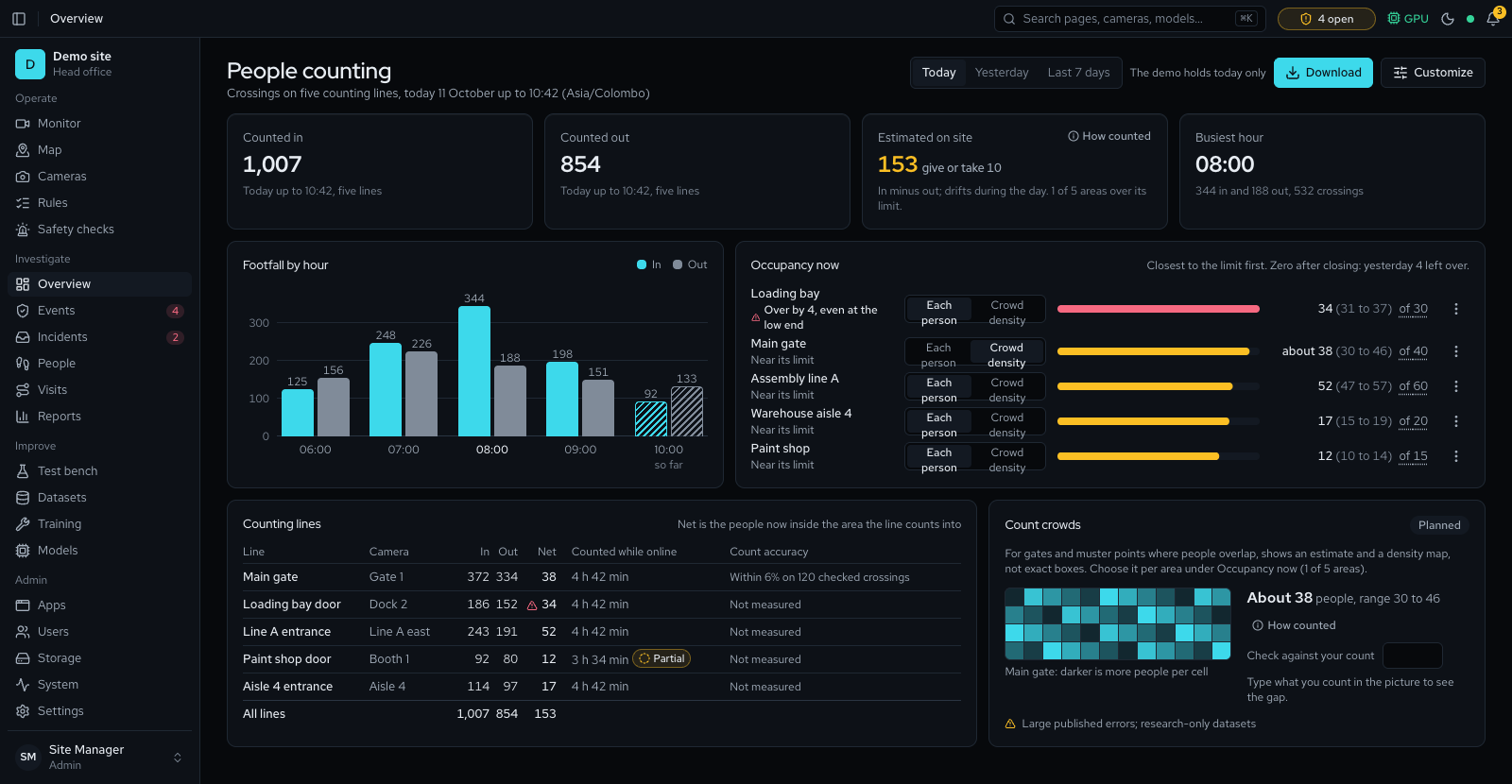
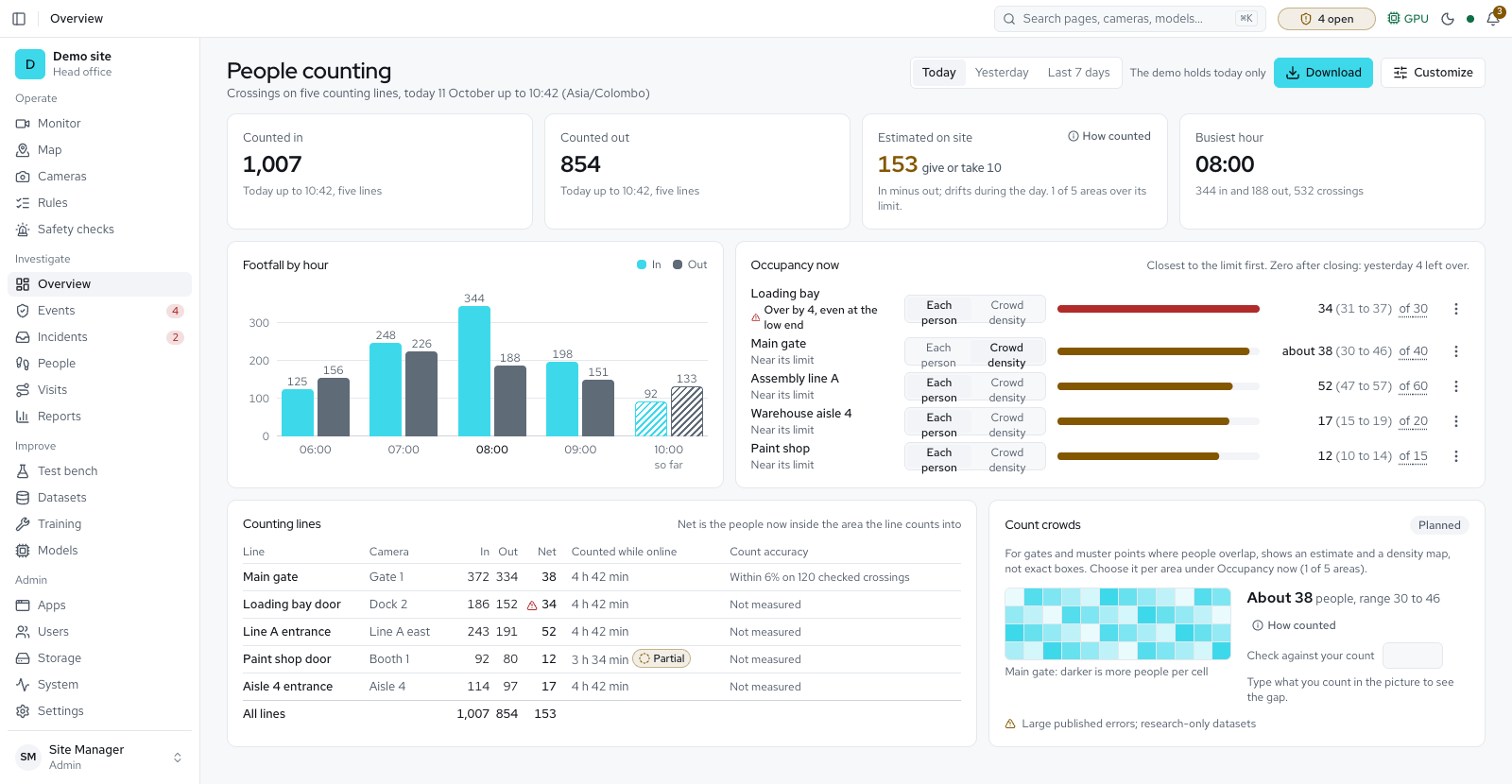
- People, vehicles, belts, visitorsPeople and vehicle counts, items counted on a belt in batches, dwell and queues, number plates at the gate, parking bays, and a visitor kiosk with a PPE check and badge. Faces matched only for people you name.
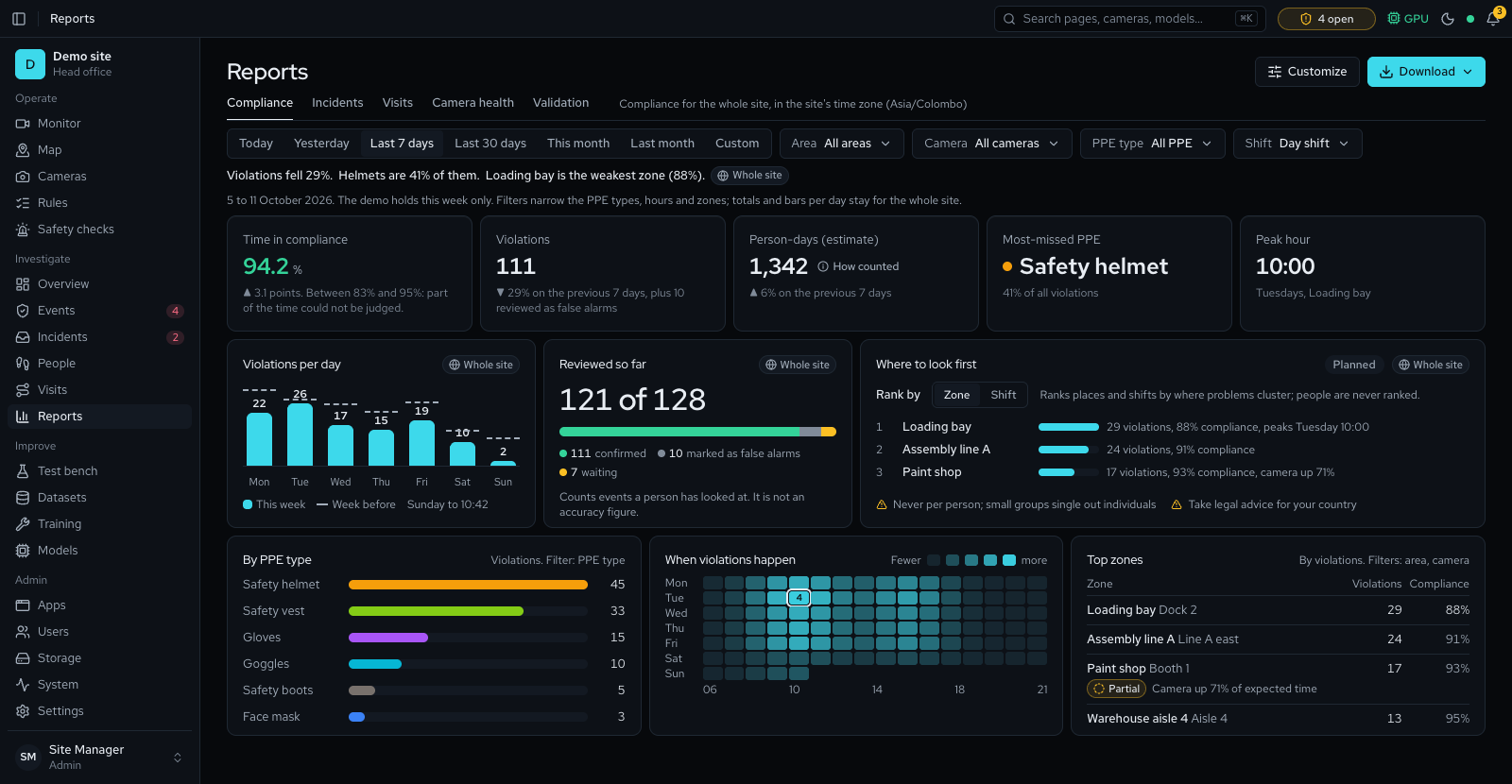
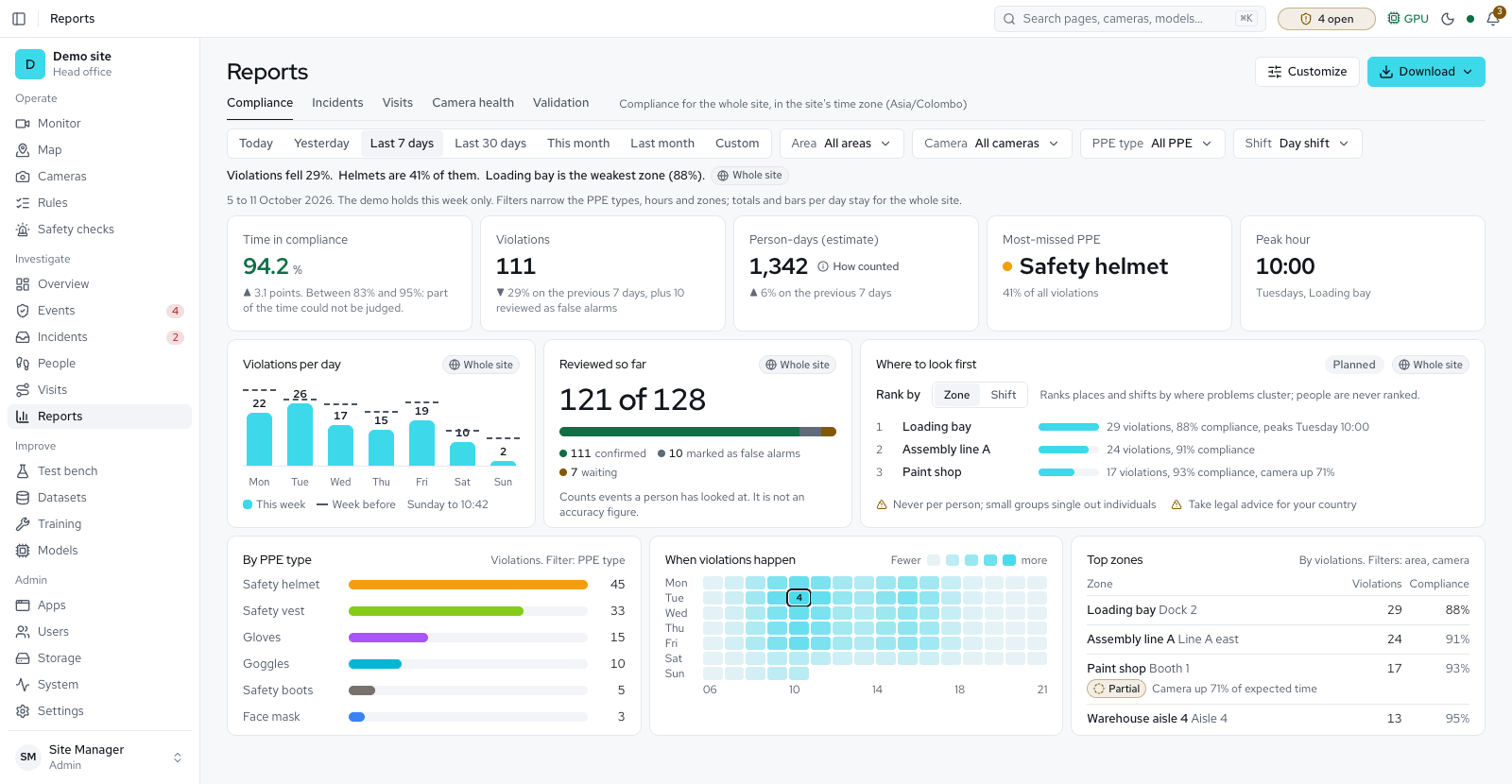
- Reports and searchCompliance, visits, vehicles, attendance and accuracy as branded PDF and CSV, with measured ranges. Search footage by description, or ask the site in plain words.
Run
- Helper servers, all sitesAdd servers you own with a join code; cameras move to them and return if one stops. A head-office page shows each site's totals, never video or faces.
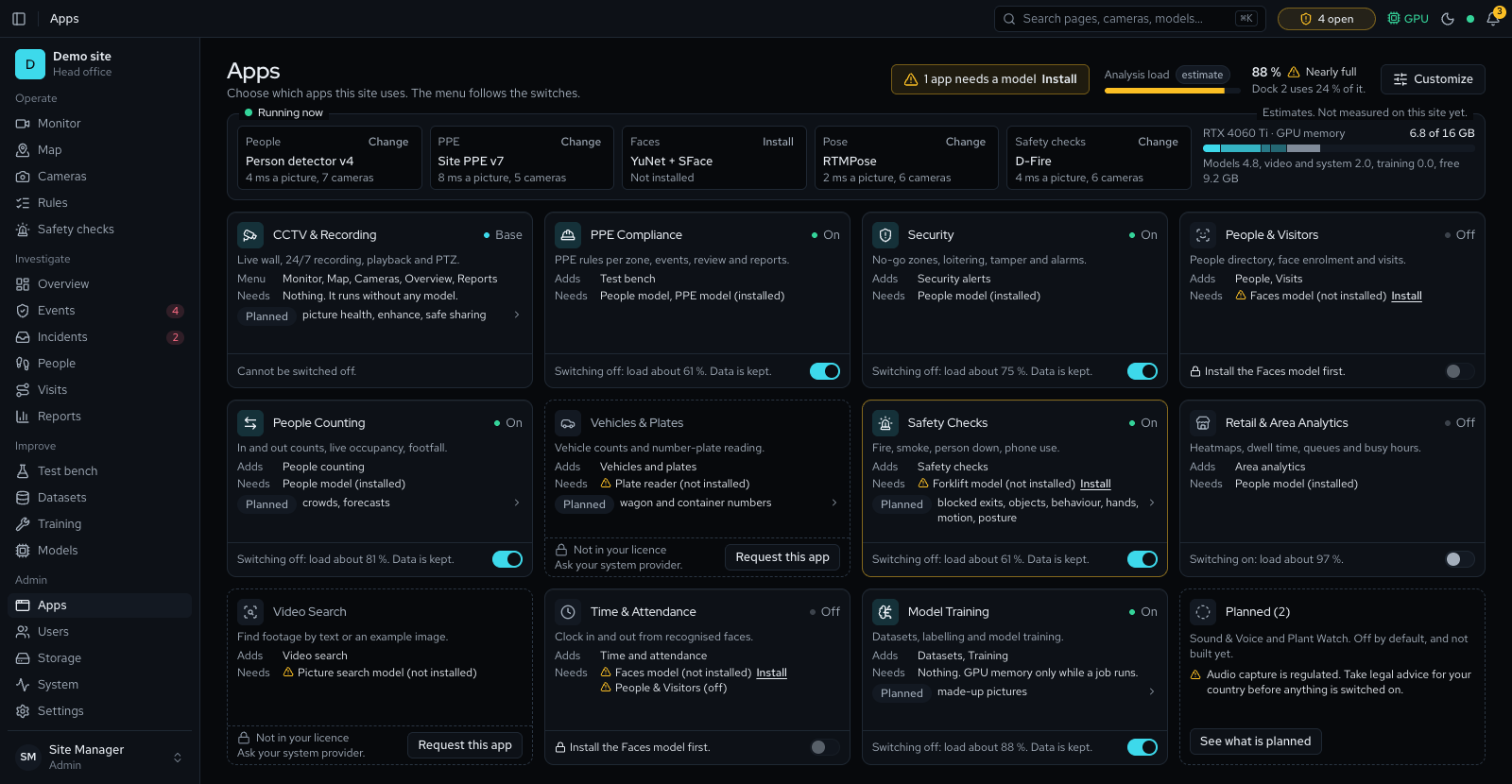
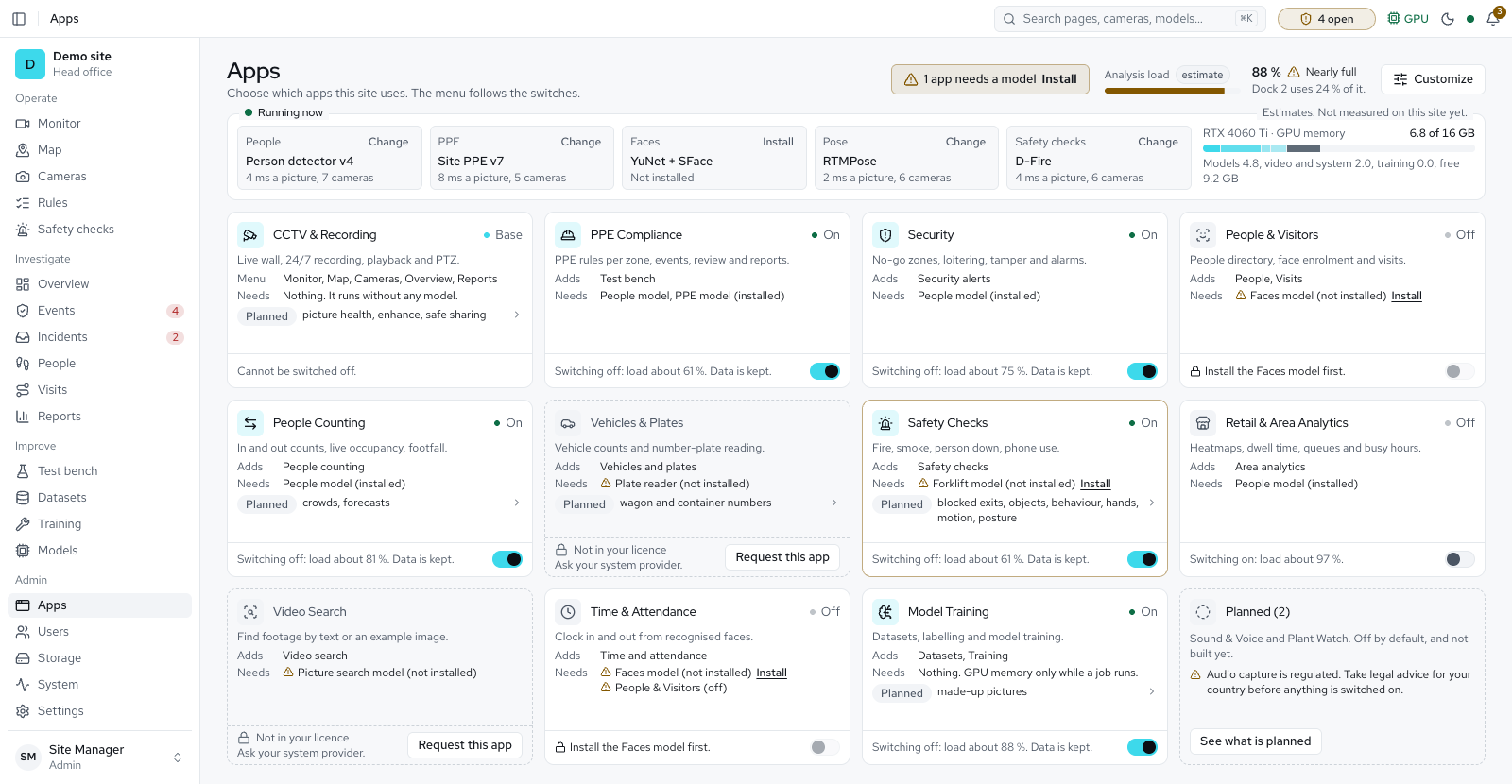
- Apps and licenceSwitch apps on and off; data is kept. Activate offline with a licence file. Storage clean-up keeps the disk from filling.
How it works
- CamerasAny RTSP
- Detect and trackobjects
- Run checksper zone
- Confirmover seconds
- Eventwith evidence
- Reviewby your team
- Site-trainedmodel
PPE types
- Safety helmet
- Safety vest
- Goggles
- Gloves
- Safety boots
- Face mask
- Custom types
14 PPE types are built in and you can add your own. Six are on by default (helmet, vest, goggles, gloves, boots, mask). Coverall, ear protection, face shield and safety harness switch on once a model detects them; dust coat and ear plugs are for labelling. Training on your own site's footage gives the best results.
Requirements
| Server | Ubuntu 22.04/24.04, Debian 12, Windows 10/11, or macOS 14+ |
|---|---|
| Browser | Chrome, Edge, Firefox or Safari 16.4 or later |
| Minimum | 6 cores, 16 GB, RTX 2060 or T4, 512 GB SSD; or an Apple Silicon Mac |
| Recommended | 8 cores, 32 GB, RTX 4060 Ti 16 GB or RTX 4070, 1 TB NVMe |
| Best | 16+ cores, 64 GB, RTX 4090 or 5090, 2 TB NVMe and RAID |
| Cameras | Any RTSP IP camera or NVR, DVR or XVR |
| Internet | Only for the install. Runs offline. |
Deployment and data
- On site. One server runs everything, with optional helper servers of yours. Video and evidence stay on it. Camera sound is off unless an admin switches it on for one camera.
- Secure. HTTPS, with camera passwords stored encrypted.
- Roles and audit. Four built-in roles and custom roles you define, two-step sign-in and a log of every change.
- Backups and access. Nightly backups with a warning if they stop, one-click updates and rollback. Optional remote access through an outbound tunnel.
- Privacy by country. Your country's profile caps how long data is kept; the strictest applies until you pick one.
- Ubuntu, Windows, macOS. One-step install; Windows and Mac run as services. Packages ship no source code.
In progressemail digests, Sinhala and Tamil screens, switching on online activation, signed handovers by email and a local language model for Ask the site.
Plannedplant watch and speech to text.